gr1fter
-
Posts
63 -
Joined
-
Last visited
gr1fter's Achievements

Wayfarer (2/7)
0
Reputation
-
just wanted to report that I am experiencing the same issue in WinPE x64 environment and only appears when compiled Autoit 3.3.14. If i go back to AutoIt 3.3.12.0 the script works perfect. So something changed in the version that is preventing it to run in this environment. My workaround for now is to use AutoIt 3.3.12.0 to compile these type of scripts (which is minimal for me). MESSAGE: The exception Illegal Instruction An attempt was made to execute an illegal instruction. (0xc000001d) occurred in the application at location 0x00007FF6CE279FD1. Click OK to terminate the program Like this Quote
-
 gr1fter reacted to a post in a topic:
Positioning labels in full screen mode for various resolutions
gr1fter reacted to a post in a topic:
Positioning labels in full screen mode for various resolutions
-
setting a static Left worked! man i thought way too much into it and it was something simple. Thank you!
-
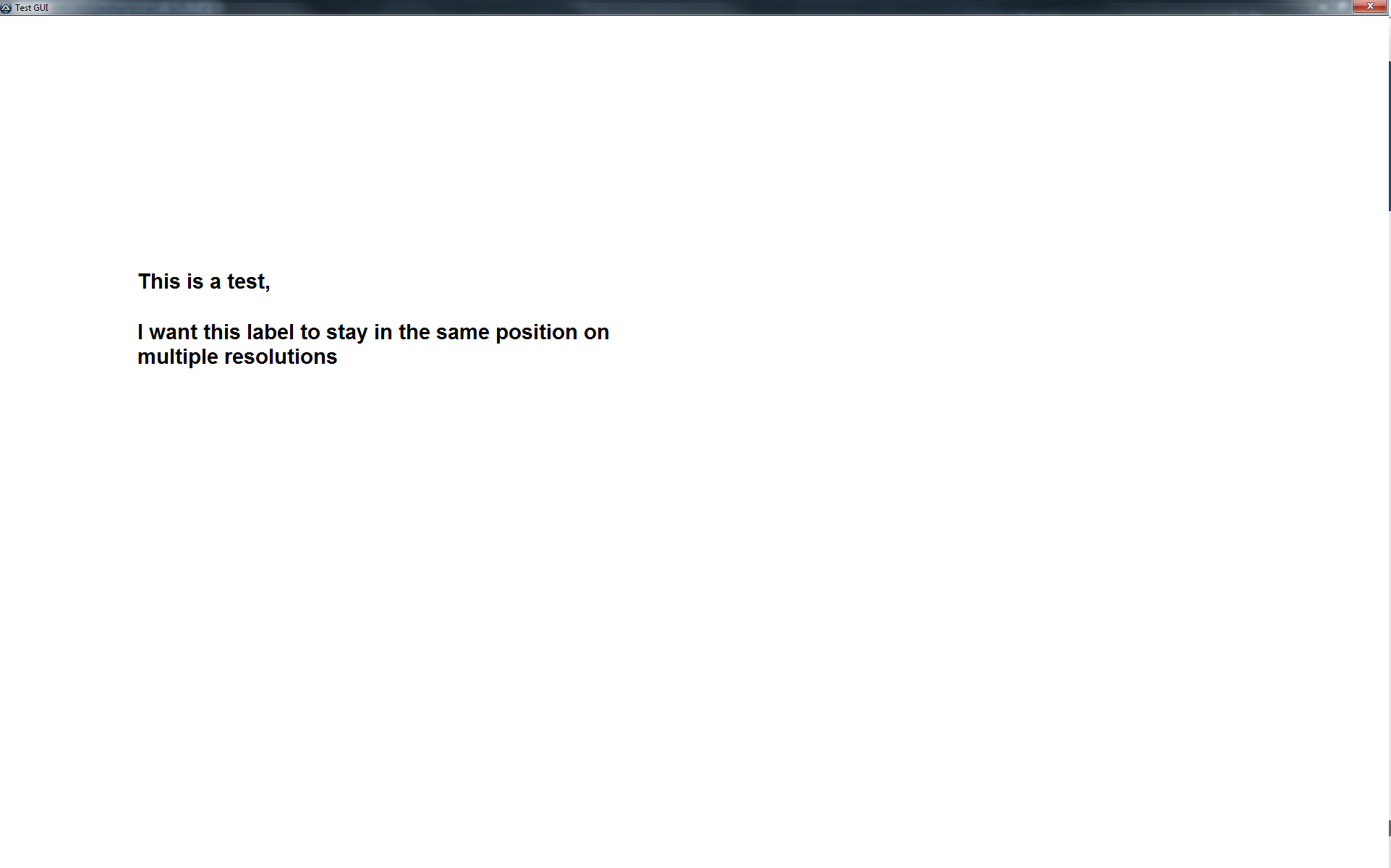
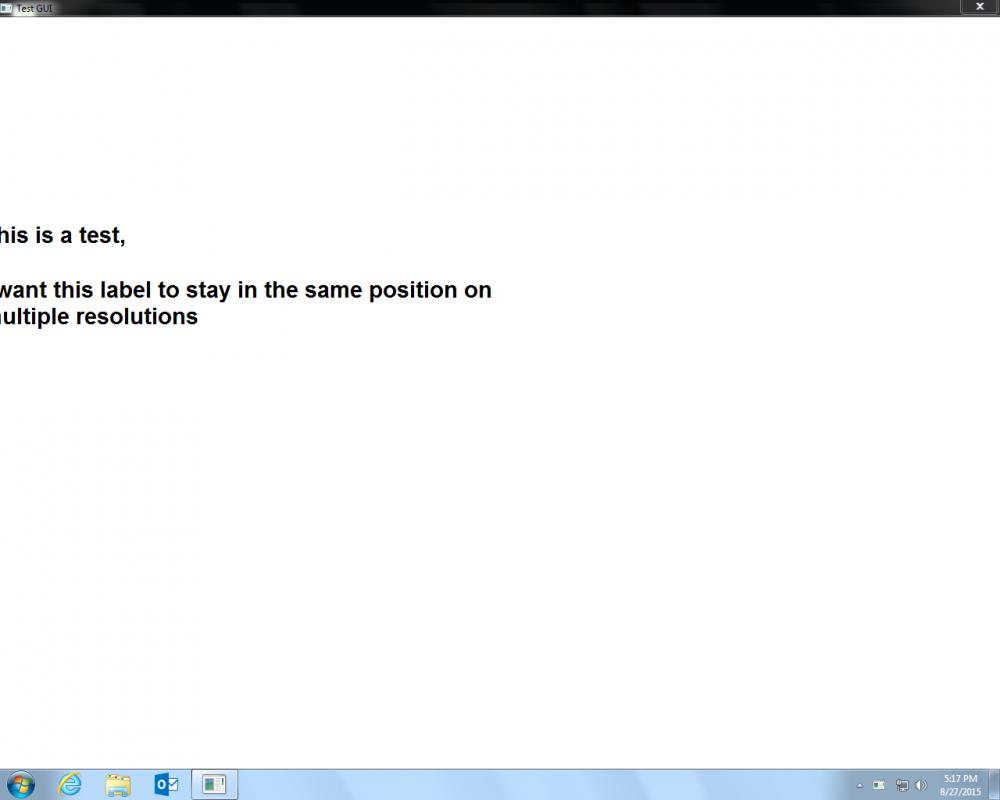
Hello, I have this test script and its driving me crazy. I want to display a full screen GUI, but I can't get the labels to stay in position on different monitors. Here is my test code: #include <GUIConstantsEx.au3> #include <WindowsConstants.au3> $gui = GUICreate("Test GUI", @DesktopWidth, @DesktopHeight, 0, 0, BitOr($WS_CAPTION, $WS_SYSMENU, $WS_POPUP, $WS_MAXIMIZE)) GUISetState (@SW_LOCK) GUISetBkColor(0xFFFFFF) ;Labels $mainlabel_line1 = GUICtrlCreateLabel("This is a test,", @DesktopWidth/3-450, @DesktopHeight/2-250, 310, 35) $mainlabel_line2 = GUICtrlCreateLabel("I want this label to stay in the same position on multiple resolutions",@DesktopWidth/3-450, @DesktopHeight/2-180, 675, 100) $font = "Arial" GUICtrlSetFont ($mainlabel_line1,22,1000,"",$font) GUICtrlSetFont ($mainlabel_line2,22,1000,"",$font) GUISetState(@SW_ENABLE) GUISetState(@SW_SHOW) While 1 $msg = GUIGetMsg() Select Case $msg = $GUI_EVENT_CLOSE Exit EndSelect WEnd on the machine I am creating the script, it works great and shows correctly. This is on 1920x1200 resolution. When i go to a machine that is 1280x1024 and run the script, all the labels get messed up. I posted screenshots of what it looks like. Is there anyway that I can have my labels set no matter what resolution I go to? Thanks,

-
_FileListToArrayRec - exclusion issues
gr1fter replied to gr1fter's topic in AutoIt General Help and Support
I'm not sure what is going on with the filter, but this is working, so I'm happy! #include <File.au3> $logfilename="D:\test.log" FileDelete("D:\test.log") EmptyFolder("D:\test") Func EmptyFolder($FolderToDelete) $AllFiles=_FileListToArrayRec($FolderToDelete,"*", 1, 1, 1, 1) If IsArray($AllFiles) Then For $i = 1 To $AllFiles[0] If StringInStr($AllFiles[$i],".txt") <> 0 Or StringInStr($AllFiles[$i],".log") <> 0 Then $delete = "skipped" _FileWriteLog($logfilename,$FolderToDelete & "\" & $AllFiles[$i]& " =>"&$delete & @CRLF) Else $delete = "deleted" _FileWriteLog($logfilename,$FolderToDelete & "\" & $AllFiles[$i]& " =>"&$delete & @CRLF) EndIf Next EndIf EndFunc -
#include <File.au3> $logfilename="D:\test.log" FileDelete("D:\test.log") EmptyFolder("D:\test") Func EmptyFolder($FolderToDelete) $AllFiles=_FileListToArrayRec($FolderToDelete,"*|*.log;*.txt", 0, 1, 1, 1) If IsArray($AllFiles) Then For $i = 1 To $AllFiles[0] $delete = FileDelete($FolderToDelete & "\" & $AllFiles[$i]) _FileWriteLog($logfilename,$FolderToDelete & "\" & $AllFiles[$i]& " =>"&$delete & @CRLF) Next EndIf EndFunc I am trying to delete files in a directory by exclude all log and text files. The code above is working fine for the root files, but its not using the exclusion for recursive folders, it is just deleting everything. Is there something I am missing here? I have the option set to search in all subfolders (unlimited recursion) but that doesnt appear to be working for me. Thanks,
-
gr1fter reacted to a post in a topic:
Adding Array Values
-
gr1fter reacted to a post in a topic:
Adding Array Values
-
Thank you very much. I love that there are multiple ways to reach an end goal. You were correct on the StringRegExp, it is doing it faster and it appears that it is averaging out correct. Thanks again!
-
I'm having difficulties with this script I am creating. Arrays seem to be my hardest learning curve but I'm trying to get better... what i am trying to do is this. I have a job that is creating a log file, the contents example of the log are like this: 2014-10-30_1132 AM,test,H142640E4,Computer ,11.231.42.101,Name,11:31:17:109,11:31:25:389,11:31:37:775,11:31:39:164,22,9 2014-10-30_1140 AM,test,H142640E4,Computer ,11.231.42.101,Name,11:39:56:516,11:40:03:652,11:40:07:583,11:40:08:971,12,800 2014-10-30_1140 AM,test,H142640E4,Computer ,11.231.42.101,Name,11:39:56:516,11:40:03:652,11:40:07:583,11:40:08:971,12,12 2014-10-30_1140 AM,test,H142640E4,Computer ,11.231.42.101,Name,11:39:56:516,11:40:03:652,11:40:07:583,11:40:08:971,12,4552 the only number i need in these values are the last numbers after the last comma. I wrote this script and so far it is getting me exactly what i need, however I don't know where to go from here, because I want to add these numbers together and divide them by the number of entries (get the average) This is my current code: #include <File.au3> #include <Array.au3> Global $log= "C:\times.log" Global $aArray = 0 Global $aTimes = 0 getaverage() Func getaverage() If Not _FileReadToArray($log, $aArray, 1) Then MsgBox(48, "", "There was an error reading the file. @error: " & @error) Else MsgBox(64, "GetTime Info","Number of entries that have been logged: " & $aArray[0]) For $i = 1 To UBound($aArray) - 1 $aTimes = StringSplit($aArray[$i],",",1) MsgBox(64, "GetTime Info","Time in Seconds: " & $aTimes[12]) Next EndIf EndFunc Am I on the right track or doing this completely wrong? Thanks!
-
How to store a count? Summary of executed actions?
gr1fter replied to gr1fter's topic in AutoIt General Help and Support
hello thanks for you help! When i did $iPass=+ 1, it was only giving me a 1 at the end of my script. I modified it to $iPass=$iPass+ 1 in the loop and it worked! I was thinking way above and beyond for how to accomplish this task haha. Thanks again -
Hello, Below is an example script, what I am looking to do is have a text file with a list of data. When i cycle through that list of data, I would like to summarize that actions that take place. So say for every $x there is either an Error 0 or Error 1. At the end of the script how can summarize how many times Error 0 ran and how many times Error 1 ran. Thanks, #Include <File.au3> Global $read $logdir = @ScriptDir & "\test.log" FileOpen($list) If Not _FileReadToArray($list, $read) Then MsgBox(48,"Summary", " Error reading list.") Exit EndIf For $x = 1 to $read[0] $commmand = "example.exe /" & $read[$x] $return = Run ($commmand,@ScriptDir,@SW_HIDE) If $return = 0 Then _FileWriteLog($logdir, "Error 0") ElseIf $return = 1 Then _FileWriteLog($logdir, "Error 1") Else Exit EndIf Next
-
Thanks for all the replies! I do believe I have enough info to get me on my way, I work more on this tomorrow. Thanks again!
-
hello, I have a log file that I am trying to get data from: Bytes : 259.90 m 122.27 m 137.63 m 0 0 0 Bytes : 100.00 m 96 m 137.63 m 0 0 0 Bytes : 3.90 m 2.27 m 137.63 m 0 0 0 Bytes : 59.90 m 122.27 m 137.63 m 0 0 0 Bytes : 200.90 m 32.27 m 137.63 m 0 0 0 Bytes : 350.70 m .27 m 137.63 m 0 0 0 How would i go about reading only the second set of "m" numbers: I want to return from above: 122.27 m 96 m 2.27 m 122.27 m 32.27 m .27 m so far i only been able to read each line using FileReadLine, but i do not know how to read the second set of numbers because the data / spaces is dynamic and never the same so not quite sure how to capture that info. any help would be greatly appreciated. Thanks,
-
help retrieve a value from a text file
gr1fter replied to gr1fter's topic in AutoIt General Help and Support
Thanks for your help -
help retrieve a value from a text file
gr1fter replied to gr1fter's topic in AutoIt General Help and Support
Sweeet! Did not see that one. This is what I did and it worked perfectly #Include <String.au3> $file = FileRead("C:\test.log") $aArray1 = _StringBetween($file, "<ExitCode>","</ExitCode>",-1) MsgBox(48,"",$aArray1[0]) -
Hello. I have a log file: Example of text file THERE ARE LOTS OF VALUES IN THIS TEXT FILE BUT I ONLY WANT TO RETRIEVE WHAT IS IN BETWEEN THE EXIT CODE VALUES <ExitCode>14566</ExitCode> I would like to search that log file and only get what is between the <ExitCode>??????</ExitCode> markers. Can you help me with this please, I have an example and I can find the position in number format, but I dont know where to go from there to get the actual value. Do i want to string left from there?? $file = FileRead("C:\test.log") $result = StringInStr($file, "</ExitCode>") if $result then MsgBox(0, "Found it", "Found it at character position: " & $result) Else MsgBox(0, 'Not Found', "String Not Found") EndIf Thanks,
-
Active Directory UDF - Help & Support
gr1fter replied to water's topic in AutoIt General Help and Support
Thanks, but i think i got it. I had to change this to For $iIndex = 1 To $adOU[0][0] to For $iIndex = 2 To $adOU[0][0] and it skipped the first line and got me where i needed.