


MMcBrine
-
Posts
15 -
Joined
-
Last visited
MMcBrine's Achievements

Seeker (1/7)
0
Reputation
-
MMcBrine changed their profile photo
-
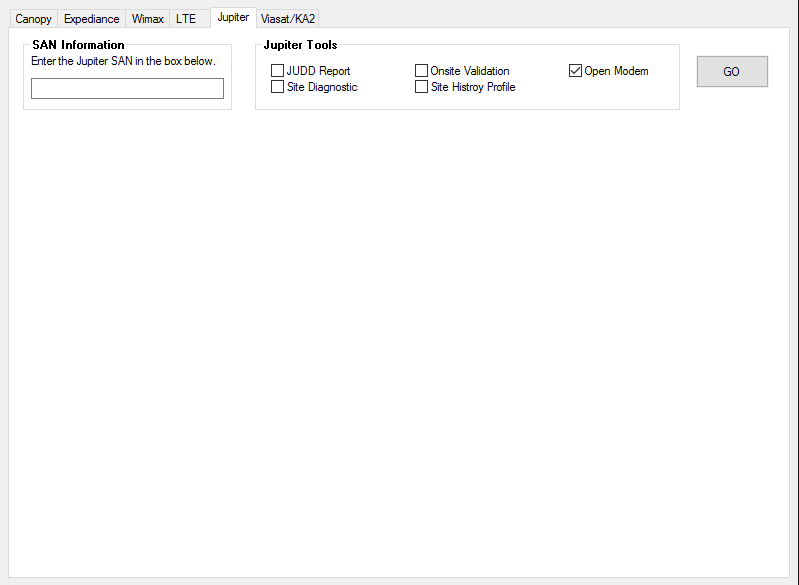
Hi all and thanks for stopping by to read this, much appreciated. What I have is a gui with a tab control that has 8 tabs, Some of those can have multiple pages that I would like to display in a "Sub" tab control which will display information from various sources (web Pages) . I have been looking around on the web, but have not stumbled on the source for information yet... Any help would be great, thanks Mike

-
I tried the test code that was included in the DI, the first on that was for the 32bit registry on the X64 failed the delete, and when X64 was compiled as an X64 EXE it worked fine. Looks like I am getting bit by this bug... Sure hope they are able to fix it...
-
Morning and thanks for the help, I did fix the @error issue, and it is a 32bit Exe running on an X64 system, I did look at the bug report and it appears that it is the same issue. I can delete all subkeys/values below the HKCR64/Installer/Products/<NUMBER>. All operations on the HKLM and HKLM64 worked fine. Looks like I might have to compile 2 exe's? I and going to try the test code in the bug DI and see what it reports. Cheers --Mike
-
I have tried it for both, and get the same results for the HKCR64 but it reports the HKCR is not present. I tried it on a 32Bit system and it worked fine...
-
Hi All, I have been pulling my hair out and I am hoping that some kind soul can save what is left. I have been through the forums and read the required posts, and the help docs. The System is Vista64 and I am running with Admin privliages. I have a script that is required to delete HKEY_CLASSES_ROOT64\Installer\Products\5798354A2F28CC3488C6ECA171F430AF I am passing the key to a function and it is returning 2. The subkeys are getting deleted just fine.. Thanks for the help --Mike RemoveRegistryEntries("HKEY_CLASSES_ROOT64\Installer\Products\5798354A2F28CC3488C6ECA171F430AF") Func RemoveRegistryEntries($Key) $nResult = RegDelete($Key) If ($nResult = "1") Then ConsoleWrite($Key & " ... ") ConsoleWrite("Done" & @CRLF) ElseIf ($nResult = "2") Then ConsoleWrite($Key & " ... ") ConsoleWrite("ERROR deleting key." & @CRLF) ElseIf ($nResult <> "0") Then ConsoleWrite($Key & " ... ") ConsoleWrite("ERROR: " & @error & @CRLF) EndIf EndFunc
-
Need help with a Console Application
MMcBrine replied to MMcBrine's topic in AutoIt General Help and Support
Thanks a bunch to everyone that tossed their ideas out, Mobius, the info worked like a charm. --Mike -
Need help with a Console Application
MMcBrine replied to MMcBrine's topic in AutoIt General Help and Support
I have a script that is run from the Command Console window, it preforms a few task and then promts for a path to write out some information. what I am trying to figure out is how to have the console application pause and read the information the the user enters. I beleive and I could be wrong but the inputbox is for a GUI interface, and I am trying to get away from the gui.. Thanks --Mike -
Hi All, I have been all over the forms trying to solve a SIMPLE problem. I have a console application that needs to have the user enter a path from the console window during run time, and not passed to the script at the command line... Any thought... --Mike
-
Hi All, Does anyone know if it is possible to have Aut2exe assign a specifice version number to the compiled EXE? OR can Autoit3Wrapper be run from a command line? Thanks --Mike
-
@CommonFilesDir and X64 question
MMcBrine replied to MMcBrine's topic in AutoIt General Help and Support
Some had hard coded a path in the script.. Crisis solved.. -
I have a script that copies some 32 bit files to a folder under the Common files, however when I use the @CommonFilesDir some of them go under the Program Files (x86)/Common files and others go under the X64 Program files/Common Files. Anyone know of a quick fix to force the use of 32bit folder? Cheers and thanks --Mike
-
Need to read a file from om a web site
MMcBrine replied to MMcBrine's topic in AutoIt General Help and Support
Excellent, thanks for the push...Cheers --Mike -
Hi everyone, I have been asked to do a simple script that accesses an XML file on a web server and reports the contents of the file. any thoughts? Thanks --Mike
-
Question about selecting multiple items in a listbox
MMcBrine replied to MMcBrine's topic in AutoIt General Help and Support
Perfect, works like a charm, Thanks for the quick reply Cheers --Mike -
Hey all, I am running in to a bit of difficulty having a list box return multiple selections from a list box. The box is creating fine and you can select multiple entries however the GUICtrlRead is only returning the last item selected. LISTBOX CODE $List1 = GUICtrlCreateList("", 24, 128, 193, 97, BitOR($LBS_SORT,$WS_BORDER,$LBS_EXTENDEDSEL)) READ CODE $Name = GUICtrlRead ($List1) Any thoughts? Mike