rocksolidsr
-
Posts
9 -
Joined
-
Last visited
rocksolidsr's Achievements

Seeker (1/7)
0
Reputation
-
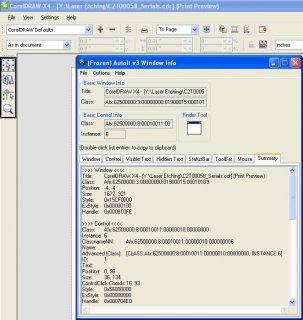
I had to use [CLASS:Afx:62500000:8:00010011:00000010:00000000; INSTANCE:6] instead of CLASS:AfxControlBar80u;INSTANCE:3] do you think that, that will change if it is on another computer?
-
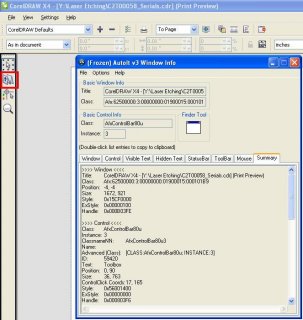
yeah the window gets activated but it doesn't seem to click anywhere attached is a picture of what i want to click on (in the red box)
-
i tried that and it didn't do anything, is there anymore information that i can give that would help me get this working.
-
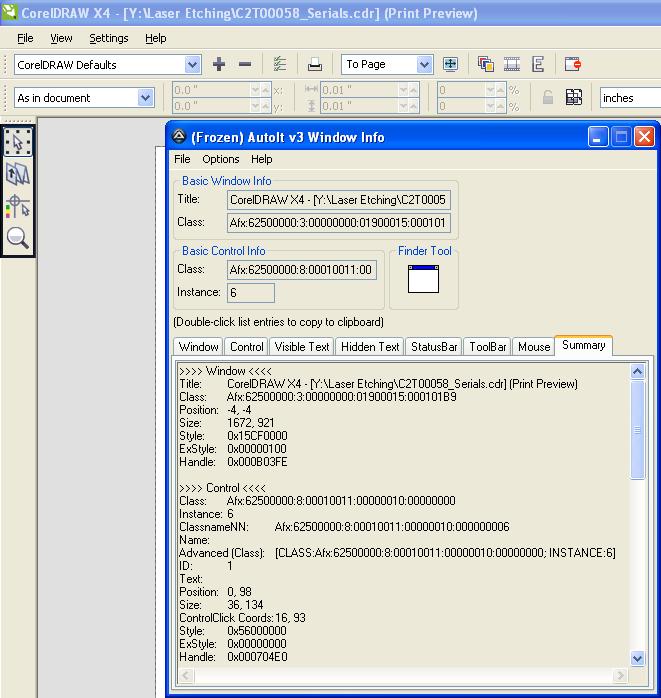
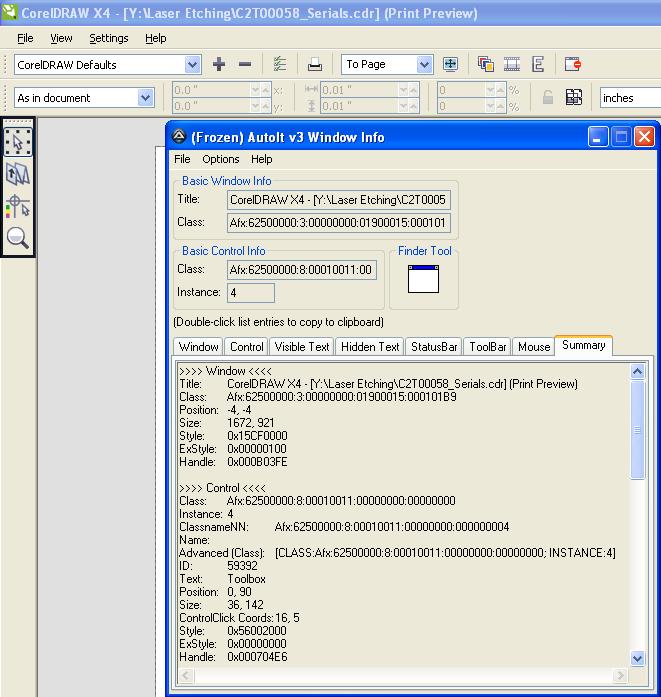
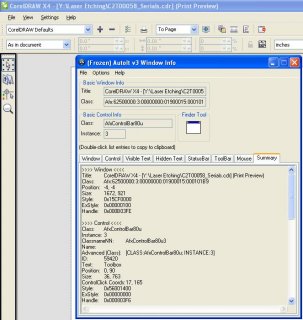
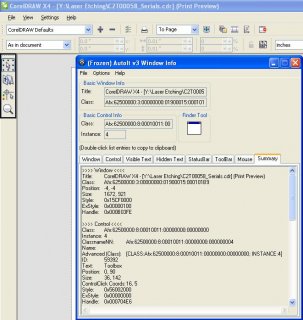
I'm trying to get controlclick to work but there seems to be three different control boxes over what I'm trying to click and I can't seem to figure it out. I've attached 3 pictures of the area I'm trying to click and below is my code WinActivate("CorelDRAW X4 - [Y:\Laser Etching\C2T00058_Serials.cdr] (Print Preview)") WinWaitActive("CorelDRAW X4 - [Y:\Laser Etching\C2T00058_Serials.cdr] (Print Preview)") ControlClick("CorelDRAW X4 - [Y:\Laser Etching\C2T00058_Serials.cdr] (Print Preview)","",59420,"left",1,19,95)
-
thanks for the help that will get me started
-
I'm trying to load the dc101 music player in a GUI but it never seems to load can anyone give me some help #include <GUIConstantsEx.au3> GUICreate("Title Goes Here", 600, 500) GUISetState(@SW_SHOW) $Flash = ObjCreate("ShockwaveFlash.ShockwaveFlash") $FlashObj = GUICtrlCreateObj($Flash, 0, 0, 600, 500) $Flash.Movie = "http://www.dc101.com/mediaplayer/?station=WWDC-FM&action=listenlive&channel_title=CCB-20091104.swf" $Flash.Loop = True while(1) WEnd
-
Help with checking/editing Window Edit fields
rocksolidsr replied to rocksolidsr's topic in AutoIt General Help and Support
i knew had to be something easy, thanks -
Help with checking/editing Window Edit fields
rocksolidsr replied to rocksolidsr's topic in AutoIt General Help and Support
I can already change the values but I need to make sure that they were actually changed to 20000, so I need a way to store the original value into some type of variable and check to make sure that it is equal to 20000 -
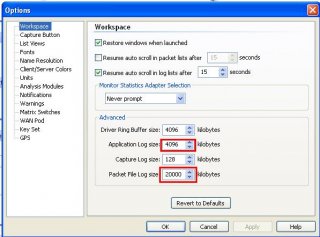
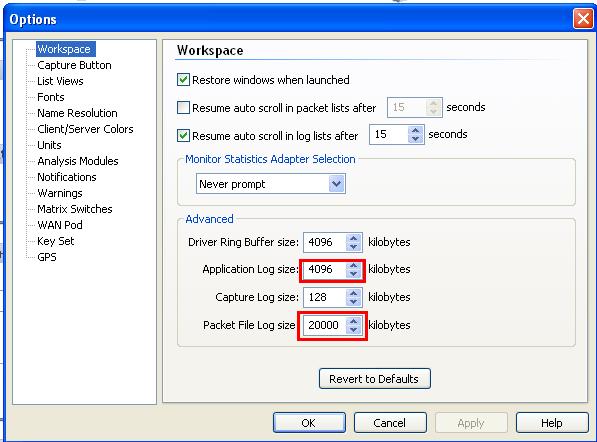
I'm trying to edit two fields in a window and I was wondering if it is possible to check to see what those fields are currently and if they are not equal to 20000 then change them to 20000. I have used the window spy to identify the edit fields their controlid's are Edit4 and Edit6. I'm very new to autoit and I know this should be possible, but just can't seem to find out how to do it. I have attached a picture of what I'm trying to edit. Thanks