Loken
-
Posts
75 -
Joined
-
Last visited
Recent Profile Visitors
695 profile views


Loken's Achievements

-
 Loken reacted to a post in a topic:
Hilfiker / MobaTime Swiss Railway Clock build 2019-07-07
Loken reacted to a post in a topic:
Hilfiker / MobaTime Swiss Railway Clock build 2019-07-07
-
Loken reacted to a post in a topic:
Why can't I compare a variable less than 100 with another variable bigger 100?
-
ThePoro reacted to a post in a topic:
Why can't I compare a variable less than 100 with another variable bigger 100?
-
Hello ThePoro, wellcome to AutoIt Forum. Your problem is about comparing wrong data types. GUICtrlCreateInput elements may includes characters, numbers etc. So "GUICtrlRead" function returns you result as a string even if you put just numbers into it. You have to convert result of "GUICtrlRead" function to integer if you expect compare it as integer. Otherwise if you check "50" is less than "100" you get false as result. Because that means compare 50 and 100 as string and OS handle these strings by their characters. According to ASCII List "50" is bigger than "100"; Converting string to integer; Local $px = Int(GUICtrlRead($input1)) Local $py = Int(GUICtrlRead($input2)) Here is a full example; #include <MsgBoxConstants.au3> #include <GUIConstantsEx.au3> $gui = GUICreate("gui for testing", 300, 90, -1, -1) $input1 = GUICtrlCreateInput("50", 0, 0, 300, 30) $input2 = GUICtrlCreateInput("150", 0, 30, 300, 30) $button1 = GUICtrlCreateButton("clone", 0, 60, 300, 30) GUISetState(@SW_SHOW) While 1 Switch GUIGetMsg() Case $GUI_EVENT_CLOSE ExitLoop Case $button1 clone() EndSwitch WEnd Func clone() Local $px = Int(GUICtrlRead($input1)) Local $py = Int(GUICtrlRead($input2)) Local $temp = @DesktopDir & "\temp.csv" FileDelete($temp) While $px <= $py Local $name = "P"&$px FileWrite($temp, "" & $name & ""& @CRLF) $px+= 1 WEnd $a=FileRead($temp) ClipPut($a) MsgBox($MB_ICONINFORMATION,"","Copied to Clipboard") EndFunc
-
Loken reacted to a post in a topic:
Why can't I compare a variable less than 100 with another variable bigger 100?
-
$PID = Run("chrome.exe") . . . ProcessClose($PID) You can handle it by pid. "Run" command in AutoIt returns you pid of program which can you are trying to run. But if you havent pid of target program, you can try getting full path of the process. If the full path is not matching with default google chrome path you can suppose to it may be a portable program. Local $aProcessList = ProcessList() For $i = 1 To $aProcessList[0][0] $processLocation = _ProcessGetLocation($aProcessList[$i][1]) If $processLocation = "portable path of chrome" Then ProcessClose($aProcessList[$i][1]) ExitLoop EndIf Next Func _ProcessGetLocation($iPID) Local $aProc = DllCall('kernel32.dll', 'hwnd', 'OpenProcess', 'int', BitOR(0x0400, 0x0010), 'int', 0, 'int', $iPID) If $aProc[0] = 0 Then Return SetError(1, 0, '') Local $vStruct = DllStructCreate('int[1024]') DllCall('psapi.dll', 'int', 'EnumProcessModules', 'hwnd', $aProc[0], 'ptr', DllStructGetPtr($vStruct), 'int', DllStructGetSize($vStruct), 'int_ptr', 0) Local $aReturn = DllCall('psapi.dll', 'int', 'GetModuleFileNameEx', 'hwnd', $aProc[0], 'int', DllStructGetData($vStruct, 1), 'str', '', 'int', 2048) If StringLen($aReturn[3]) = 0 Then Return SetError(2, 0, '') Return $aReturn[3] EndFunc
-
I want to show image in a loop. Not one time. And your quality code is very nice
-
Loken reacted to a post in a topic:
Draw Images Faster
-
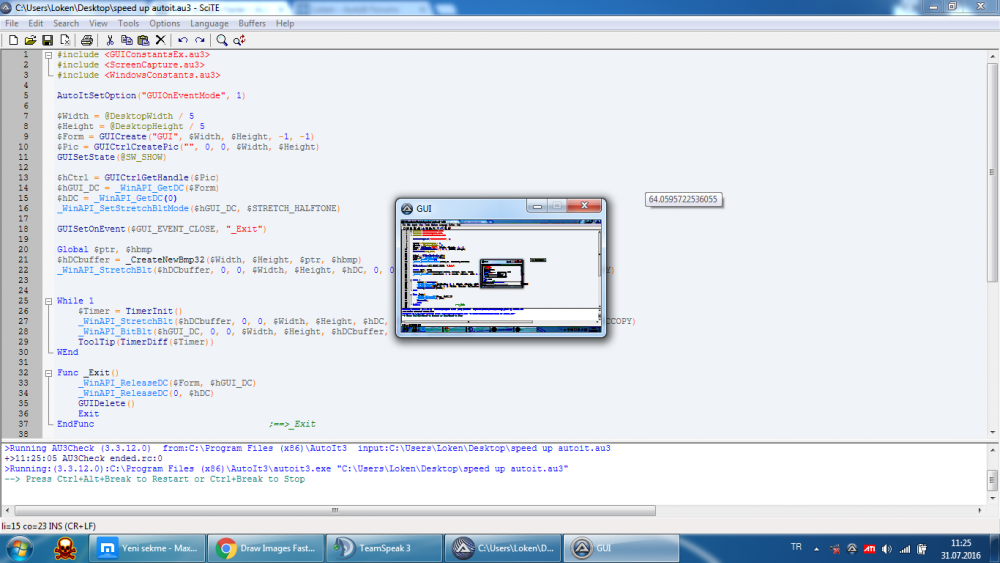
Now fast but color is very bad.
-
AndyG's script is really fast. But drawed image's color is very bad.
-
Please try this; #include <ScreenCapture.au3> $Server = @computername $path = FileSelectFolder("Choose a folder to save your image", @DesktopDir) $path &= "\Ting " Example() msgbox(4096,'test',$path) Func Example() ; Capture full screen ConsoleWrite('Filepath: '&$path & $Server & ".jpg"&@CRLF) _ScreenCapture_Capture($path & $Server & ".jpg") EndFunc ;==>Example
-
Thanks UEZ, code works like a charm but in 60ms. There is no way to decrease this time 10-20 ms? My CPU is intel i7 M620 2.66 Ghz. I think i dont need change my cpu.
-
snowcake reacted to a post in a topic:
About ScreenCapture.au3
-
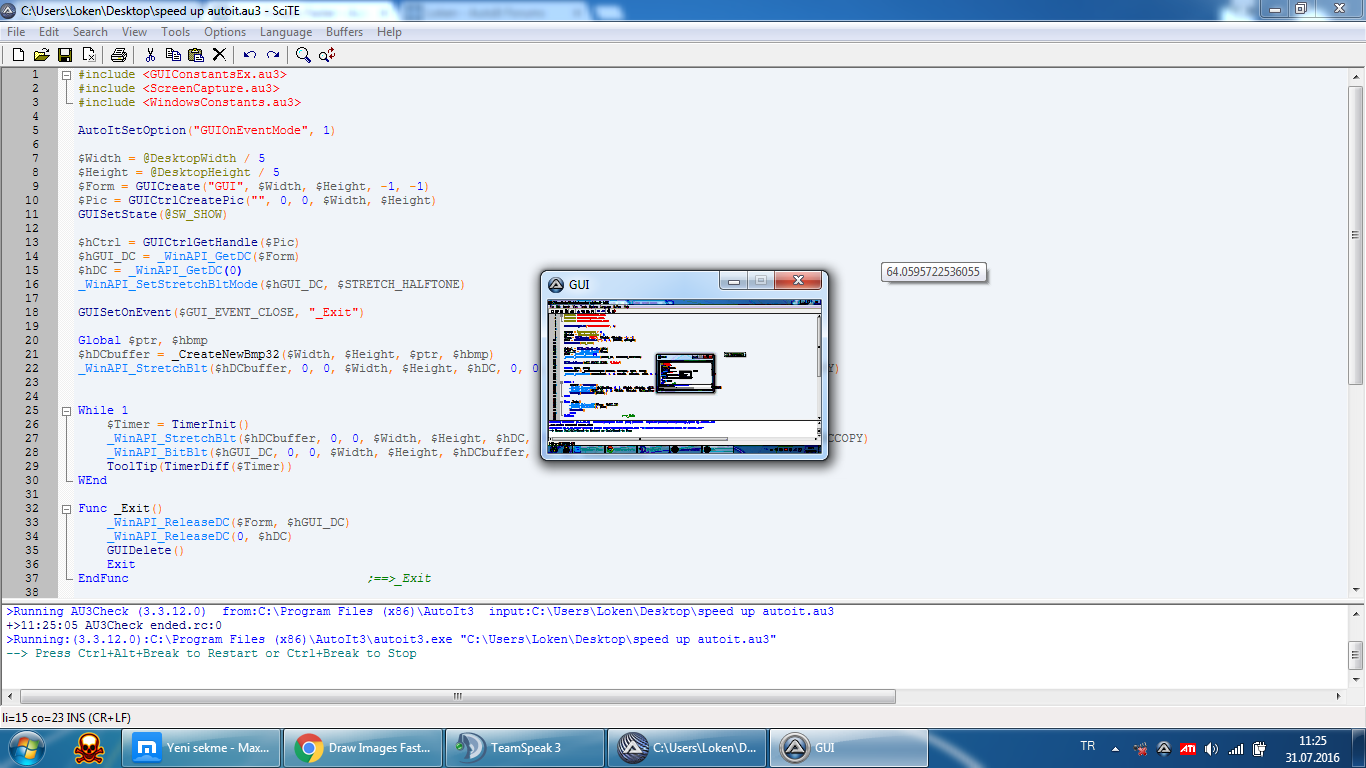
Hello forum, I'm using a script to draw images on gui. Script draws an image 40 ms between 80 ms. How can i speed up this process? Here is my code below; #include <GUIConstantsEx.au3> #include <GDIPlus.au3> #include <ScreenCapture.au3> $Width = @DesktopWidth/5 $Height = @DesktopHeight/5 $Form = GUICreate("GUI", $Width, $Height, -1, -1) $Pic= GUICtrlCreatePic("", 0, 0, $Width, $Height) GUISetState(@SW_SHOW) $hCtrl = GUICtrlGetHandle($Pic) _GDIPlus_Startup() $hGraphic = _GDIPlus_GraphicsCreateFromHWND($hCtrl) While 1 Switch GUIGetMsg() Case $GUI_EVENT_CLOSE ExitLoop EndSwitch $Timer = TimerInit() $hBMP = _ScreenCapture_Capture("") $hBitmap = _GDIPlus_BitmapCreateFromHBITMAP($hBMP) _GDIPlus_GraphicsDrawImageRect($hGraphic, $hBitmap, 0, 0, $Width, $Height) _GDIPlus_BitmapDispose($hBitmap) _WinAPI_DeleteObject($hBMP) ToolTip(TimerDiff($Timer)) WEnd _GDIPlus_GraphicsDispose($hGraphic) _GDIPlus_Shutdown() Thanks.
-
#include <ScreenCapture.au3> $Server = @computername $path = "C:\autoit-v3-setup\Examples\Ting" Example() msgbox(4096,'test',$path) Func Example() ; Capture full screen ConsoleWrite('Filepath: '&$path & $Server & ".jpg"&@CRLF) _ScreenCapture_Capture($path & $Server & ".jpg") EndFunc ;==>Example You are using $Server and $Path variables into Exmaple function. And you are trying to call Example function before define the variables. lol
-
deleted
-
-
MouseMove($1[0],$1[1])
-
_IEGetObjByName works at home not at work
Loken replied to charon's topic in AutoIt General Help and Support
#include <IE.au3> $Username = 'username' $Password = 'password' $Login = 'url' _IENavigate($oIE,$Login,1) $Index = 0 While 1 $oForm = _IEFormGetCollection ($oIE,$Index) $oQuery = _IEFormElementGetObjByName ($oForm, "user") IF @extended Then _IEFormElementSetValue ($oQuery,$Username) $oQuery = _IEFormElementGetObjByName ($oForm, "pws") _IEFormElementSetValue ($oQuery,$Password) ;;; $oLinks = _IETagNameGetCollection($oIE, "input") For $oLink In $oLinks If String($oLink.type) = "submit" And String($oLink.value) = "goo" Then _IEAction($oLink, "click") _IELoadWait($oIE) ExitLoop EndIf Next ;;; ExitLoop EndIf $Index = $Index + 1 Sleep(25) WEnd I think it is simple code to understand and start learning IE udf -
ImageSearch from a BMP File ( Need Help )
Loken replied to Loken's topic in AutoIt General Help and Support
I want to imagesearch on background, i tried _GDIPlus_BitmapCreateFromFile too , i make some mistakes and i dont know what is these. -
Hello , I'm trying to image search from another image. #include "ImageSearch.au3" #include "ScreenCapture.au3" $Image_x = 0 $Image_y = 0 $HBMP = _ScreenCapture_Capture("") $Result = _ImageSearch("Image.bmp",0, $Image_x, $Image_y,0, $HBMP) If $Result = 1 Then MsgBox(0,"",$Image_x&","&$Image_y) EndIf I can detect image with this method. But i need to detect from a file.If I handling 'image.bmp' , can i get some results ? Thanks Autoit Forum.