Venix
-
Posts
160 -
Joined
-
Last visited




Venix's Achievements

Prodigy (4/7)
2
Reputation
-
@jonix007 Making a bot for what?
-
@RamEvani I'm not sure myself to be honest, I have never assigned a value directly to an argument through VBScript. Ill try and experiment with some things but someone else might be able to give you an answer in the meantime.
-
See if this small example of named arguments in VBScript gets you any further. Option Explicit Wscript.Quit(Main) Function Main Const NoArgument = 1001 Const SomeOtherReturn = 1002 Dim objArgs Set objArgs = Wscript.Arguments If Not objArgs.Named.Exists("ArgumentName") Then Main = NoArgument Exit Function End If 'Argument found, continue script. 'Some code to execute. Main = SomeOtherReturn End Function You can test this via command line with the following: cscript.exe vbsname.vbs /ArgumentName "value to pass" And then check the error level that is returned with: %errorlevel%.
-
Sounds like what your after is to create a VBScript that AutoIT will execute and pass an argument to and then get a return value from that VBScript into AutoIT. Correct me if I'm wrong just trying to clarify what you are after.
-
I have never used the Skype UDF but have briefly read some of the documentation on it. Assuming that the UDF still functions with the current version of Skype I think you could probably get closed to a desired result. However your question is quite unspecific and does not state why you want to do this, perhaps there is a better way? Judging by the documentation and example scripts you should be fine calling and receiving calls. In terms of playing back a sound to the user, I don't think the UDF will handle that but its probably possible. I don't think the UDF has the functionality to tell if a user presses a specific button either however It can return back chat messages. Maybe the user could write a command in chat and that would trigger a set of events in your script? @rizaado Not sure what you mean by this or how you came to this opinion when you joined the forum last month?
-
How would I set a random array for two MouseClickDrag
Venix replied to aa2zz6's topic in AutoIt General Help and Support
Switch Random(0, 1, 1) Case 0 ;Some Code Case 1 ;Some Code EndSwitchIf you just want to select randomly between multiple options would something like this not work? -
Does this work for you? ; GET STATUS OF HOST: OFFLINE / ONLINE AND WRITE TO LISTVIEW ########==> Func GetStatus() Local $iniRead = IniReadSection (@ScriptDir & "\Servers.ini", "Servers") For $i = 0 To $iniRead[0][0] Local $Ip = $iniRead[$i][1] Local $iPing = Ping($Ip, 2000) Local $error = @error Select Case $iPing > 0 _GUICtrlListView_AddSubItem($listview_srv, $i, "Online", 2) Case $error = 1 _GUICtrlListView_AddSubItem($listview_srv, $i, "Offline", 2) Case $error = 2 _GUICtrlListView_AddSubItem($listview_srv, $i, "Unreachable", 2) Case $error = 3 _GUICtrlListView_AddSubItem($listview_srv, $i, "Bad Destination", 2) Case Else _GUICtrlListView_AddSubItem($listview_srv, $i, "Other", 2) EndSelect Next EndFunc
-
@Razormaul Ill take a look at this when I get home tonight, assuming I don't forget. The GUI will be unresponsive whilst functions are running because AutoIT is a single threaded language. Unfortunately as your function takes a while to run this will cause the GUI to hang which is undesirable. Some fellow users might have some suggestions about how you can handle such problems more elegantly. One thing you could do is handle all the pinging with a completely separate script and then that script could output the necessary data to a file. And then every 30 seconds or so your script can pull in the new information from the file. Edit: I wouldn't necessary say this Is a great solution but you have to work with the boundaries of a single thread.
-
Are you still struggling with any part of this script? It looks functional to me. Edit: Other than the fact of it being difficult to close because of the constant refreshing of the ping command.
-
 Venix reacted to a post in a topic:
Any idea why this won't compile?
Venix reacted to a post in a topic:
Any idea why this won't compile?
-
Thank you so much, It worked!
-
To reiterate what I had stated earlier. This will compile perfectly fine on a modern version of AutoIT. But given the circumstances of where I am going to be developing this program it will have to compile on version 3.3.6. Edit:: Sorry for any trouble I realise this is a strange request.
-
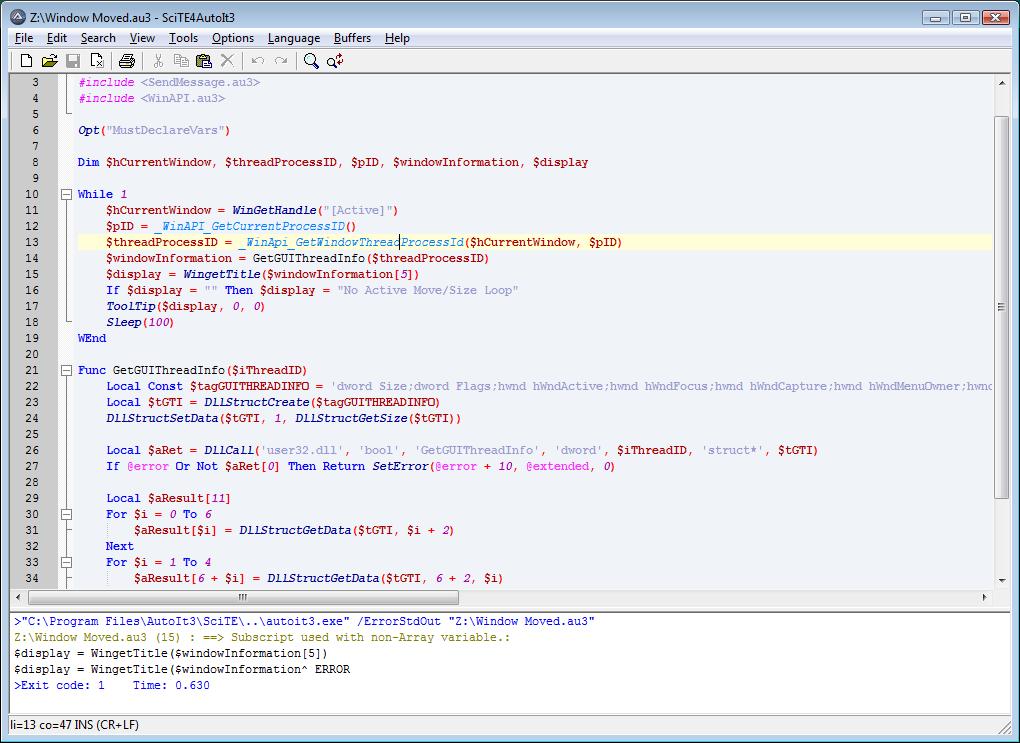
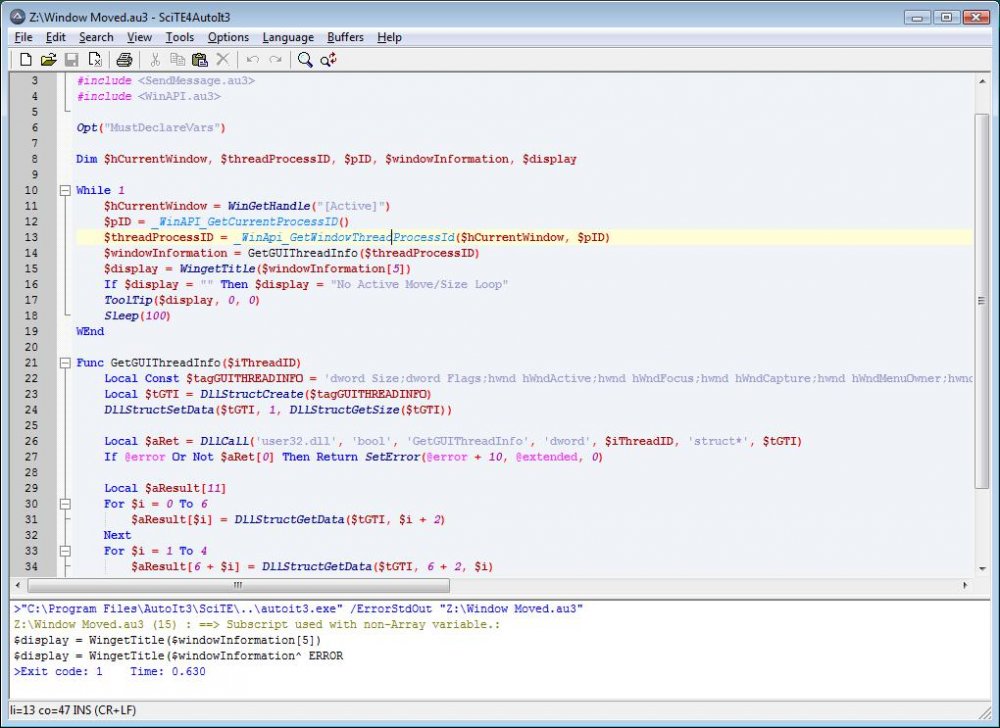
I can get it to work on an up to date version of AutoIT but not the outdated version I will need to try and compile it on which is version 3.3.6 I can post screenshots if that is of help to anyone?
-
To make a long story short I had started a thread before related to trying to call the GetGUIThreadInfo function in user32.dll. Thereafter I updated my AutoIt to realise how stupid I had been because it had already been coded in WinAPIsys.au3. This leads me to my next query, I am trying to compile this code in AutoIT version 3.3.6 but for one reason or another the DLL call seems to fail. Following is the error information. Z:\Window Moved.au3 (15) : ==> Subscript used with non-Array variable.: $display = WingetTitle($windowInformation[5]) $display = WingetTitle($windowInformation^ ERRORThe GetGUIThreadInfo function is simply copied from the WinAPIsys.au3 I just changed the name is all. The reason I can't just compile this on a modern version of AutoIT is that I work in a secure environment where I cant get anything digital in or out without an extreme amount of effort so I am stuck in the dark ages. I have virtual machine set up with the AutoIT 3.3.6 so I can test if any suggested solutions work :). Here is the code, any help is greatly appreciated. #include <GuiConstantsEx.au3> #include <WindowsConstants.au3> #include <SendMessage.au3> #include <WinAPI.au3> Opt("MustDeclareVars") Dim $hCurrentWindow, $threadProcessID, $pID, $windowInformation, $display While 1 $hCurrentWindow = WinGetHandle("[Active]") $pID = _WinAPI_GetCurrentProcessID() $threadProcessID = _WinApi_GetWindowThreadProcessId($hCurrentWindow, $pID) $windowInformation = GetGUIThreadInfo($threadProcessID) $display = WingetTitle($windowInformation[5]) If $display = "" Then $display = "No Active Move/Size Loop" ToolTip($display, 0, 0) Sleep(100) WEnd Func GetGUIThreadInfo($iThreadID) Local Const $tagGUITHREADINFO = 'dword Size;dword Flags;hwnd hWndActive;hwnd hWndFocus;hwnd hWndCapture;hwnd hWndMenuOwner;hwnd hWndMoveSize;hwnd hWndCaret;long rcCaret[4]' Local $tGTI = DllStructCreate($tagGUITHREADINFO) DllStructSetData($tGTI, 1, DllStructGetSize($tGTI)) Local $aRet = DllCall('user32.dll', 'bool', 'GetGUIThreadInfo', 'dword', $iThreadID, 'struct*', $tGTI) If @error Or Not $aRet[0] Then Return SetError(@error + 10, @extended, 0) Local $aResult[11] For $i = 0 To 6 $aResult[$i] = DllStructGetData($tGTI, $i + 2) Next For $i = 1 To 4 $aResult[6 + $i] = DllStructGetData($tGTI, 6 + 2, $i) Next For $i = 9 To 10 $aResult[$i] -= $aResult[$i - 2] Next Return $aResult EndFunc ;==>_WinAPI_GetGUIThreadInfo
-
Ahh awesome, that makes sence now.
-
Alright thanks, I just made an assumption for the structure based on the data that was in the last one. Do you know of any resources that explain the structure as I would like to learn?