About This File
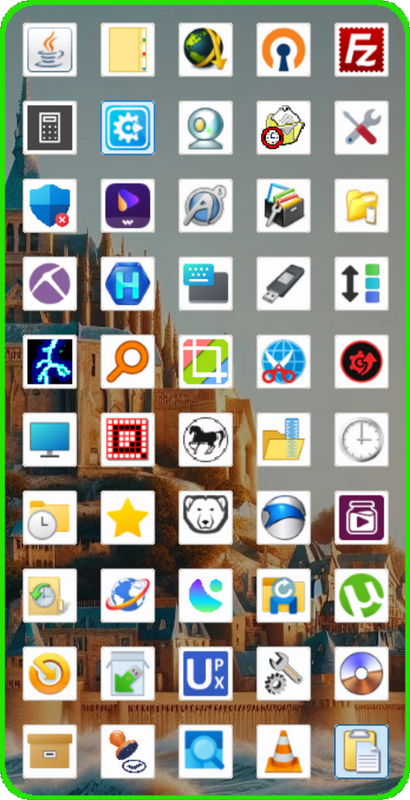
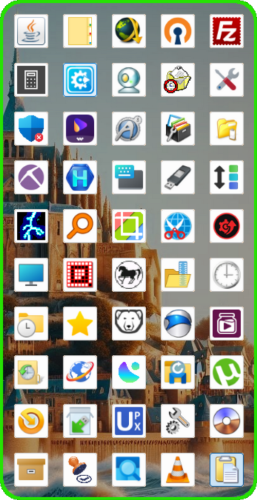
No, it's not a new iPhone, it's a new fully customizable transparent toolbar with blur effect : TrayToolBar
Tired of searching for shortcuts to your favorites folders/programs ?
You just have to Drag&Drop file/dir shortcut, directory, executable, document, music, video or url shortcut on any button for register it.
For Run/Open file/dir, Double Click on Buttons.
You want to organize the buttons by theme ? buttons can be moved to an other location by Drag&Drop.
By using the right-click context menu on the buttons, you can delete buttons,
change their icons with your own icons, and also edit the text/name of Tiptext who display the name of each button.
You need more/less Buttons ? no problem,
You can easily Add/Remove button's columns via Tray Menu (Min = 1, Max=10).
Apart from the first run, TrayToolBar will always start minimized in system tray icon.
A simple Left Click on his Tray Icon for Show/Hide the gui.
The Gui adapts itself to DPI settings/changes and can be moved by dragging the top of colored edge.
Some Buttons are pre-installed but can be (re)moved.
Settings are saved in TrayToolBar.ini file in scriptdir.
See Tray Menu for other Settings.
Thanks to UEZ for his help !
Edited by wakillon
What's New in Version 1.0.1.8
Released
Suppressed OnAutoItExitRegister who do not always his job and sometimes lock the restart of the script
Added a tray item menu for available the hide of the gui 5 sec after a launch
Added a new button contextual item menu for open parent directory